

Delete a product
Delete product removes a product from your Products list. What happens depends on whether it has ever been used:
- Never sent to a shop or handled in the warehouse: it’s deleted for good.
- Sent to a shop or handled in the warehouse: it’s hidden instead. Orders and stock records keep it, and listings already on a marketplace stay there.
Before you start
Section titled “Before you start”If the product is live in a shop and you want it gone from the marketplace too, remove it in that marketplace’s Seller Center, or ask your warehouse to delete the listing. Deleting it in theopsroom doesn’t take it off the marketplace.
- Open the product and click Delete product.
- theopsroom tells you what will happen:
- “Delete “…” for good? It has never been sent to a shop or handled in the warehouse, so nothing else is affected. This can’t be undone.”
- or “”…” has been sent to a shop or handled in the warehouse, so it will be hidden rather than erased (orders and stock records keep it). Listings already on a marketplace stay there. Hide it?”
- Click OK. You go back to Products, and the product is no longer listed.
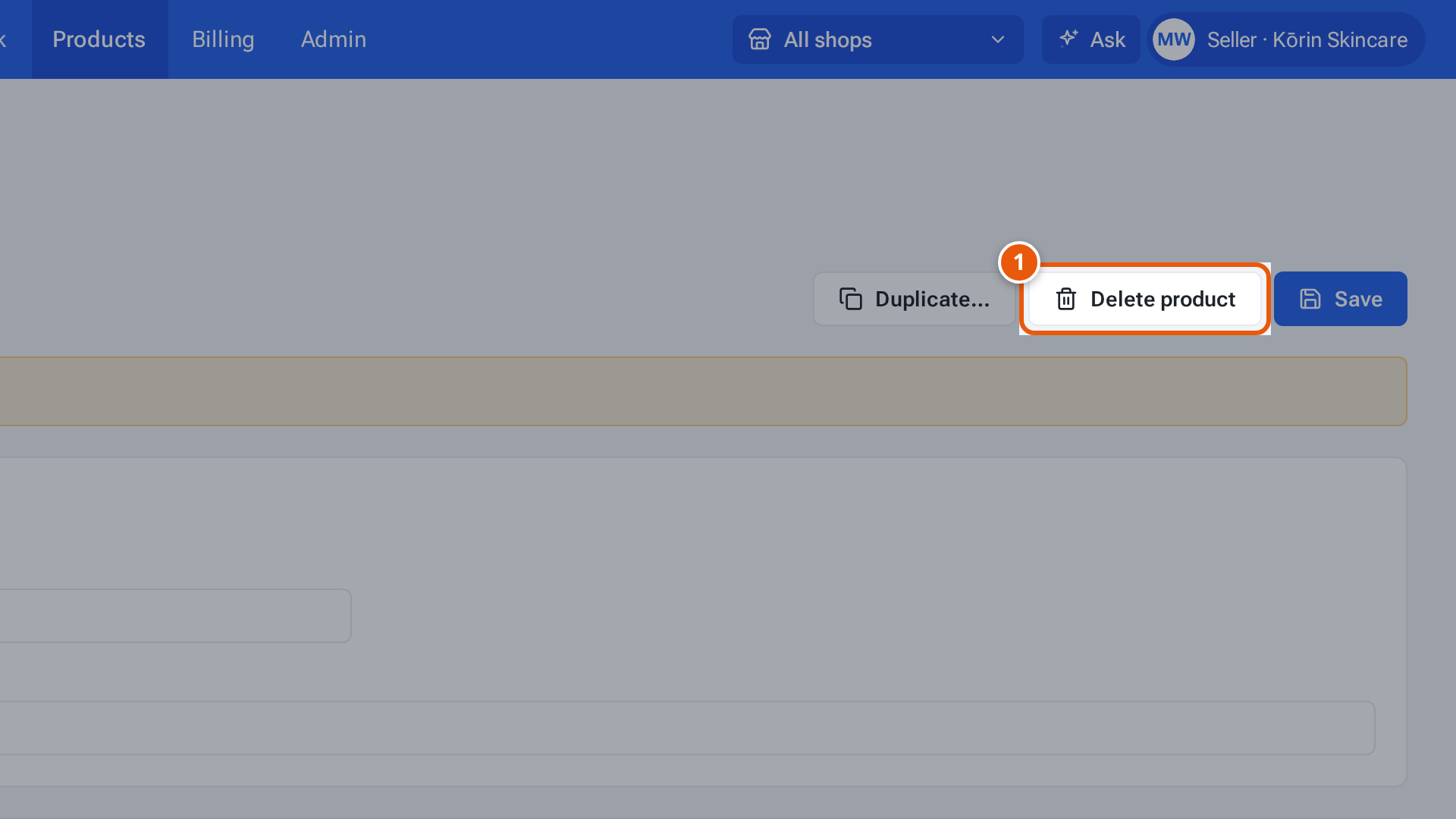
- 1. Delete the product. theopsroom first tells you whether it will be erased or hidden.
If something goes wrong
Section titled “If something goes wrong”| What you see | Why | What to do |
|---|---|---|
| “This product is archived” when you try to change or publish it | It was hidden. | Make a new product, or duplicate one before deleting. |
| The listing is still on the marketplace | Deleting in theopsroom never touches the marketplace. | Remove it in Seller Center, or ask your warehouse. |