

Set a new password
If you forget your password, an admin makes you a reset link. It works once and expires in 24 hours. A reset link also lets someone who signs in with Google add a password.
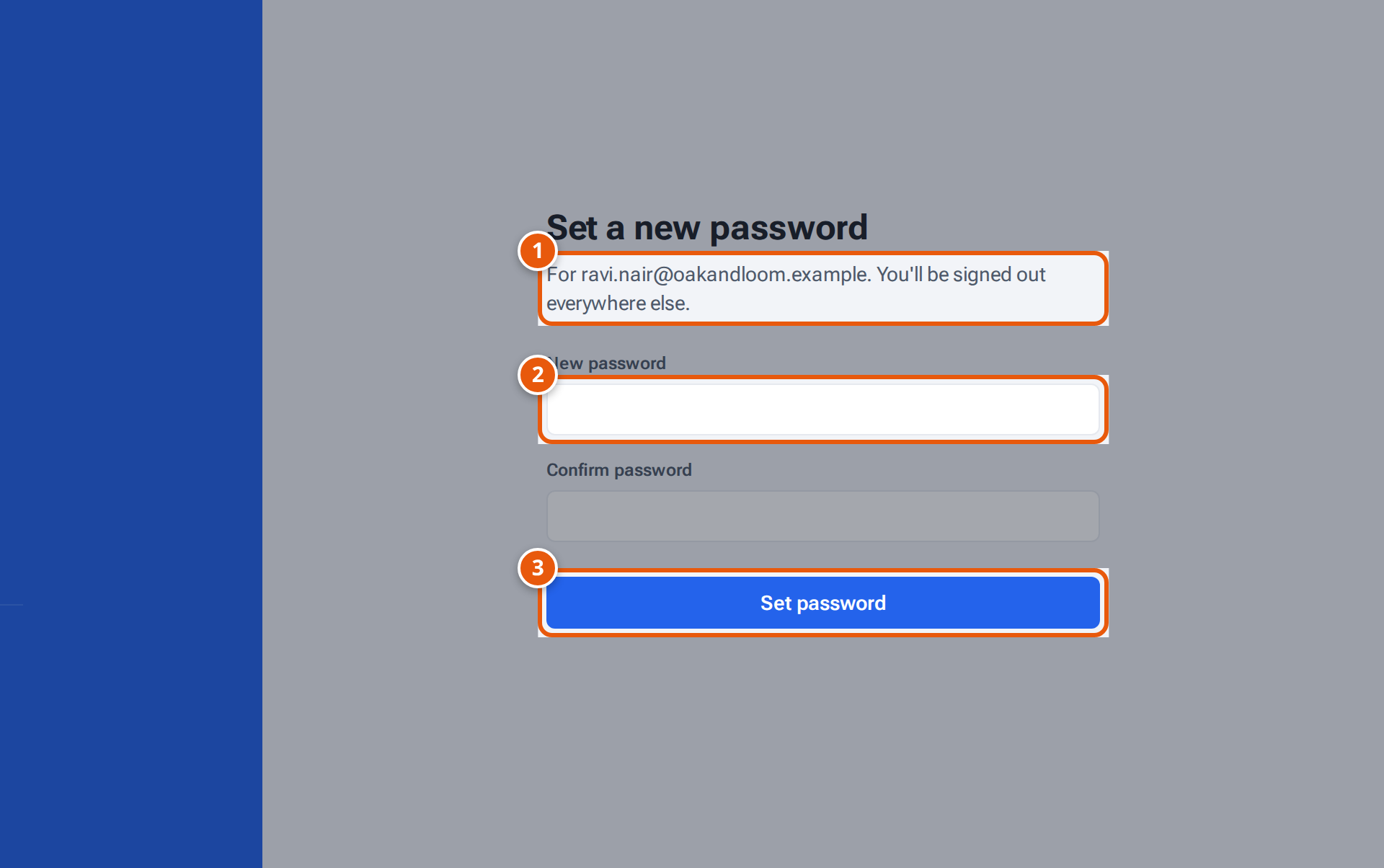
- 1. The account this link is for. Setting a new password signs you out on other devices.
- 2. Your new password (at least 12 characters).
- 3. Save it and sign in.
- Open the reset link. You see Set a new password and the email it’s for.
- Type a New password of at least 12 characters and type it again in Confirm password.
- Press Set password. You’re signed in here, and signed out on every other device.
If something goes wrong
Section titled “If something goes wrong”| What you see | Why | What to do |
|---|---|---|
| Link not valid — This reset link is no longer valid — ask an admin for a new one. | The link is older than 24 hours or was already used. | Ask an admin for a new link. |
| Use at least 12 characters. / The passwords don’t match. | The password is too short, or the two don’t match. | Fix them and press Set password again. |
Related pages
Section titled “Related pages”- Sign in
- For admins: Manage users