

Lost returns and claims
Sometimes a returned parcel never reaches the warehouse, or arrives with items missing. Mark the return lost, claim from the marketplace in its Seller Center, and record the claim in theopsroom so you can follow it.
Before you start
Section titled “Before you start”- A return can be marked lost while it’s on its way, after it’s checked with items missing, or while it waits for you.
- The marketplace sometimes tells theopsroom the courier lost it. The return then shows, for example, “Lost in transit — Lazada responsible” (or TikTok, or Shopee).
- Open Returns and the return.
- Click Mark lost. theopsroom asks “Mark this return as lost?”. Click OK. The return moves to Lost & claims.
- File a claim in the marketplace’s Seller Center. For a Shopify order, file it with the courier; the box is then called Claim reference.
- Back in theopsroom, fill in Claim filed on, the Seller Center reference and the Amount claimed, then click Record claim. You see “Claim recorded.”
- When the marketplace answers, click Compensated (“Closed — compensated.”) or Rejected (“Closed — claim rejected.”).
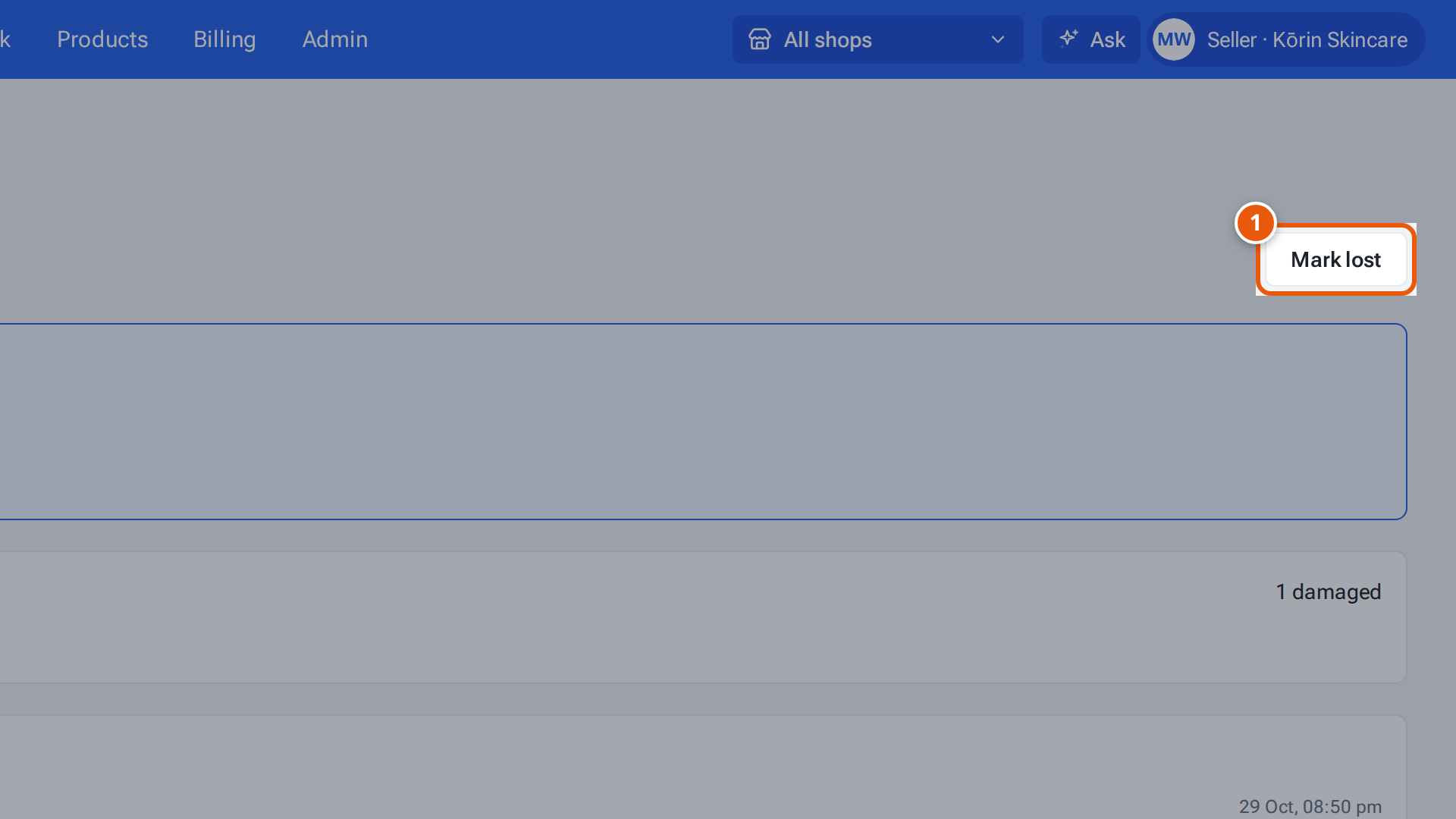
- 1. The parcel never came back: mark the return lost, then record your claim.
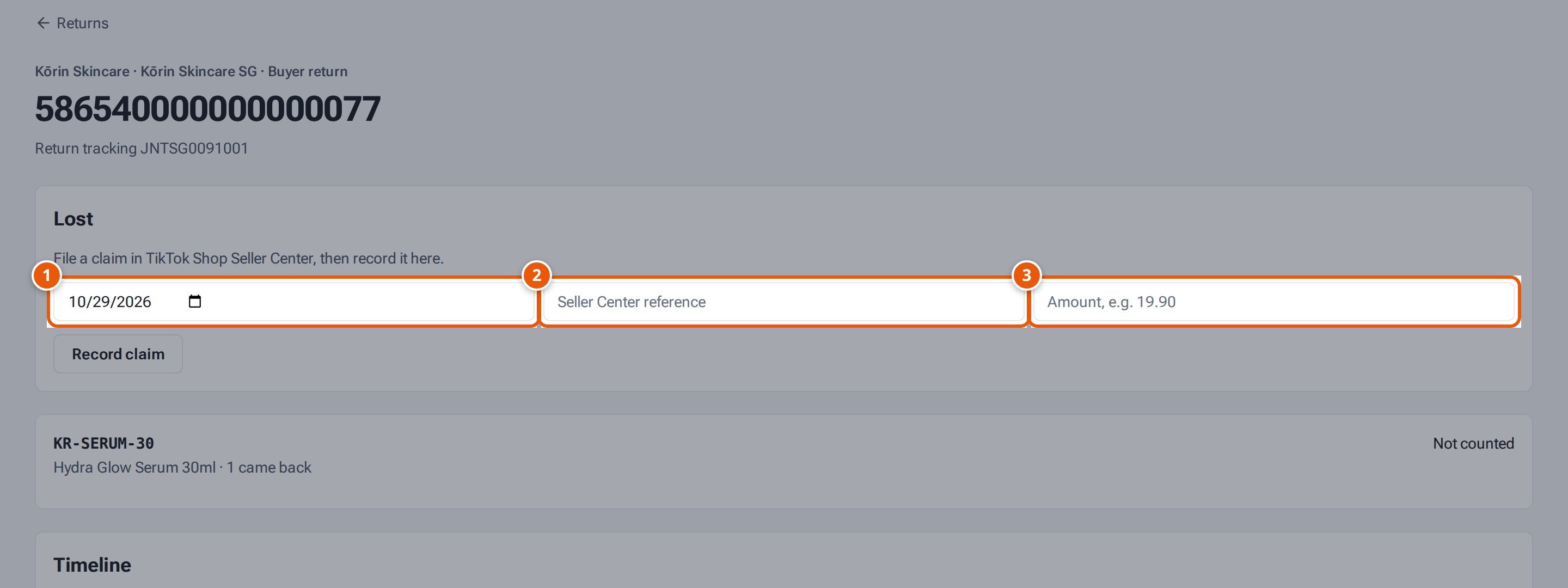
- 1. The day you filed the claim with the marketplace.
- 2. The claim’s reference number in Seller Center.
- 3. How much you claimed.
The claim card always says “File a claim in Lazada Seller Center”, even for other marketplaces. File it in the Seller Center of the marketplace the order came from.
What each field means
Section titled “What each field means”| Field | What to type |
|---|---|
| Claim filed on | The date you filed it. |
| Seller Center reference | The claim’s reference number from the marketplace. |
| Amount claimed | The amount, such as 19.90. |
If something goes wrong
Section titled “If something goes wrong”| Message | Why | What to do |
|---|---|---|
| “Only a return still on its way (or with missing items) can be marked lost” | The return arrived complete, or is closed. | Nothing to mark. |
| “Add the Seller Center claim reference” | The reference is empty. | Type it. |
| “amount must be a number like 19.90” | — | Type just the number. |
| “Mark the return lost first” | — | Click Mark lost first. |